How to Turn Any Lecture Into Flashcards, Quizzes, and Notes Using AI
The average university student sits through approximately 400 hours of lectures per academic year. Of that time, research consistently shows they retain less than 20% of the material within 24 hours — and far less by the time exams arrive weeks later.
The bottleneck isn't intelligence or effort. It's that passively listening to a lecture and then passively re-reading notes is the least effective way to turn information into long-term knowledge. The gap between "I sat in that lecture" and "I understand this well enough to apply it under exam pressure" is enormous — and most students try to close it with approaches that don't work.
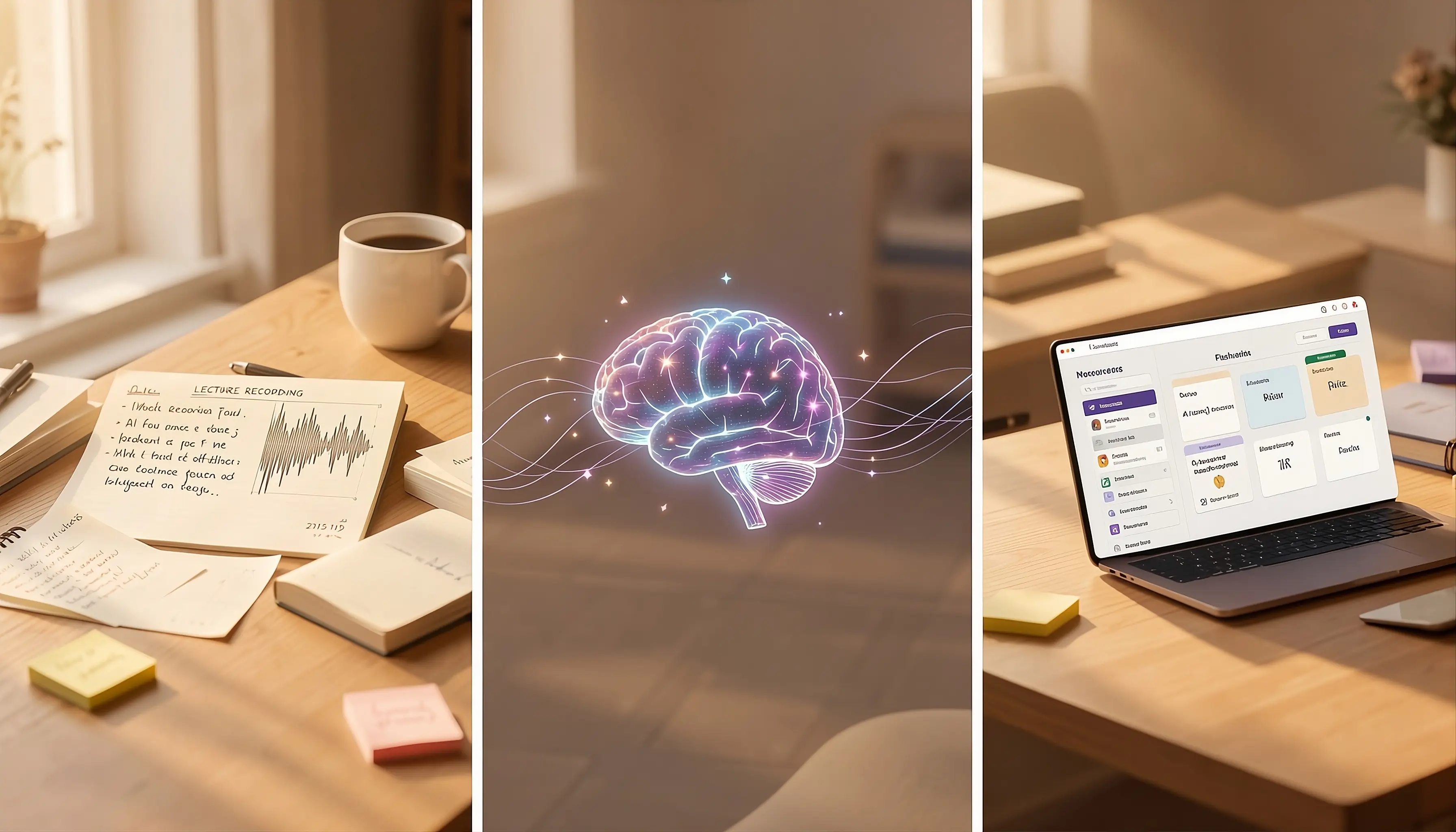
AI tools now make it possible to automatically transform lecture recordings, slide decks, and documents into flashcards, quizzes, and structured notes in under two minutes. Here's exactly how to do it, and why the method works.
The Problem with Traditional Note-Taking
Traditional note-taking during lectures has a fundamental flaw: you're trying to do two cognitively demanding things simultaneously — comprehend what's being said and transcribe it. Research on cognitive load theory suggests this dual demand reduces comprehension of both tasks.
The result: students either write down what the professor says verbatim (which requires little processing) or try to synthesize and end up missing content. Neither produces material that's easy to study from later.
AI-assisted note generation solves this by separating the two tasks. You record or upload the lecture material. The AI does the processing and structuring. You focus entirely on listening and understanding during the lecture itself — then study from a clean, organized document afterward.
Step 1: Capture Your Lecture Material
You have several options depending on your situation:
Option A: Upload a PDF of Lecture Slides
If your professor posts slides on your LMS (Brightspace/D2L, Moodle, Canvas), download them before class and upload them to Lectura AI. The AI reads the slide content and creates structured notes, pulling out key definitions, formulas, and concepts.
Option B: Record the Lecture
Lectura AI's audio transcription feature lets you record live lectures directly in the app. The AI transcribes the audio and then identifies key concepts, timestamps important sections, and organizes the content into study-ready notes. Particularly useful when slides are sparse and the professor's verbal explanations carry most of the content.
Option C: Upload a YouTube Video or Online Lecture
Paste any YouTube lecture URL into Lectura AI. It fetches the transcript, processes it, and generates notes automatically. Useful for recorded lectures, supplementary materials, and Khan Academy or other educational content.
Option D: Upload a Textbook Chapter or Research Paper
PDF uploads process the full document, extract core arguments and definitions, and produce a condensed study document. A 40-page chapter that would take two hours to read carefully can be converted into structured notes in 30 seconds.
Step 2: Generate Structured Notes
Once your material is uploaded, Lectura AI generates a full set of structured notes. These aren't just transcriptions — the AI organizes content into:
- Key concepts and definitions pulled from the lecture
- Hierarchical outlines that show how ideas relate to each other
- Summary paragraphs that distill the core argument or lesson
- Important formulas, dates, or data points highlighted separately
For a typical 50-minute lecture, note generation takes 20–40 seconds.
The structured format is immediately more usable than raw transcription or most student notes. Instead of pages of dense paragraphs, you get a clean document you can scan, study, and search.
Step 3: Generate Flashcards Automatically
From any note you've generated, click Generate Flashcards. Lectura AI analyzes the content and creates a deck of flashcards that target the most testable concepts — definitions, cause-and-effect relationships, key distinctions, formulas, and factual recall questions.
What Good AI Flashcards Look Like
The best AI-generated flashcards are specific enough to test a single concept per card:
Front: What is the difference between classical and operant conditioning?
Back: Classical conditioning (Pavlov) pairs a neutral stimulus with an unconditioned stimulus to produce a conditioned response. Operant conditioning (Skinner) uses reinforcement and punishment to modify voluntary behavior through consequences.
This is more useful than a vague card like "What is conditioning?" because it tests a specific, examinable distinction.
Lectura AI's flashcard generator is calibrated to produce this level of specificity — targeting the granular questions that show up on exams rather than high-level topic summaries.
Spaced Repetition Built In
Once your flashcard deck is generated, Lectura AI schedules cards using a spaced repetition algorithm based on the SM-2 method — the same approach used by Anki, the gold standard in flashcard learning.
Cards you know well are shown less frequently. Cards you struggle with come back sooner. Over time, this optimization ensures you spend the most time on the material you know least — the most efficient possible use of study time.
Step 4: Generate Practice Quizzes
Flashcards test recognition and recall. Practice quizzes test application and deeper understanding — both of which are necessary for strong exam performance.
From the same note, click Generate Quiz. Choose your question types:
- Multiple Choice: Tests ability to distinguish correct answers from plausible distractors
- True/False: Quick coverage testing of a wide range of concepts
- Short Answer: Tests actual recall and the ability to explain concepts in your own words
For exam preparation, use a mixed format with 15–25 questions covering the full lecture. Review every answer explanation — even questions you got correct.
Step 5: Use the AI Tutor for Anything You Don't Understand
After studying your notes and flashcards, you'll have specific gaps — concepts that didn't click, questions from the practice quiz you couldn't answer, terminology that's still fuzzy.
Lectura AI's AI Tutor is loaded with the context of your specific note. Ask it questions directly about your material:
- "Can you explain the difference between the sympathetic and parasympathetic nervous systems from my notes?"
- "Give me an analogy for how entropy works"
- "What are the three things my professor seems to emphasize most in this lecture?"
The AI responds with streaming answers, with full context awareness of your specific document. It's the closest thing to a 24/7 TA who has read every page of your course material.
A Full Week Study Workflow
Here's how this process fits into a realistic weekly study routine:
During Lecture (Mon/Wed/Fri): Focus on understanding, ask questions, take brief personal notes on anything confusing
Same Evening: Upload lecture recording or slides → Generate notes → Spend 10 minutes reading the AI notes to consolidate understanding
Next Day: Review generated flashcards using spaced repetition (10–15 minutes)
Mid-Week: Take a 15-question practice quiz on the week's material
Before Exams: Generate a comprehensive quiz spanning multiple weeks → Review weak areas with AI Tutor
This workflow takes approximately 30–45 minutes per week per course on top of lectures — significantly less time than traditional re-reading and studying, with substantially better retention outcomes.
Why This Works: The Science Behind It
This approach stacks three evidence-based learning strategies:
1. Elaborative encoding: Structured notes that organize and connect information produce stronger memory encoding than raw transcription.
2. Retrieval practice: Flashcards and quizzes force active retrieval, which strengthens memory traces significantly more than passive review.
3. Spaced repetition: Distributing review sessions over time (rather than massing them before exams) produces far superior long-term retention.
The AI doesn't learn for you. What it does is remove the friction from implementing these three strategies — making it easy enough that students actually do them consistently, rather than defaulting to passive re-reading because it's easier.
Getting Started
Lectura AI is free to start. Upload your first lecture recording, PDF, or video link and generate notes, flashcards, and a practice quiz in under two minutes.
Your lecture notes are already there. The question is whether you study from them effectively or let them sit in a folder until the night before the exam.
Start converting your lectures for free →